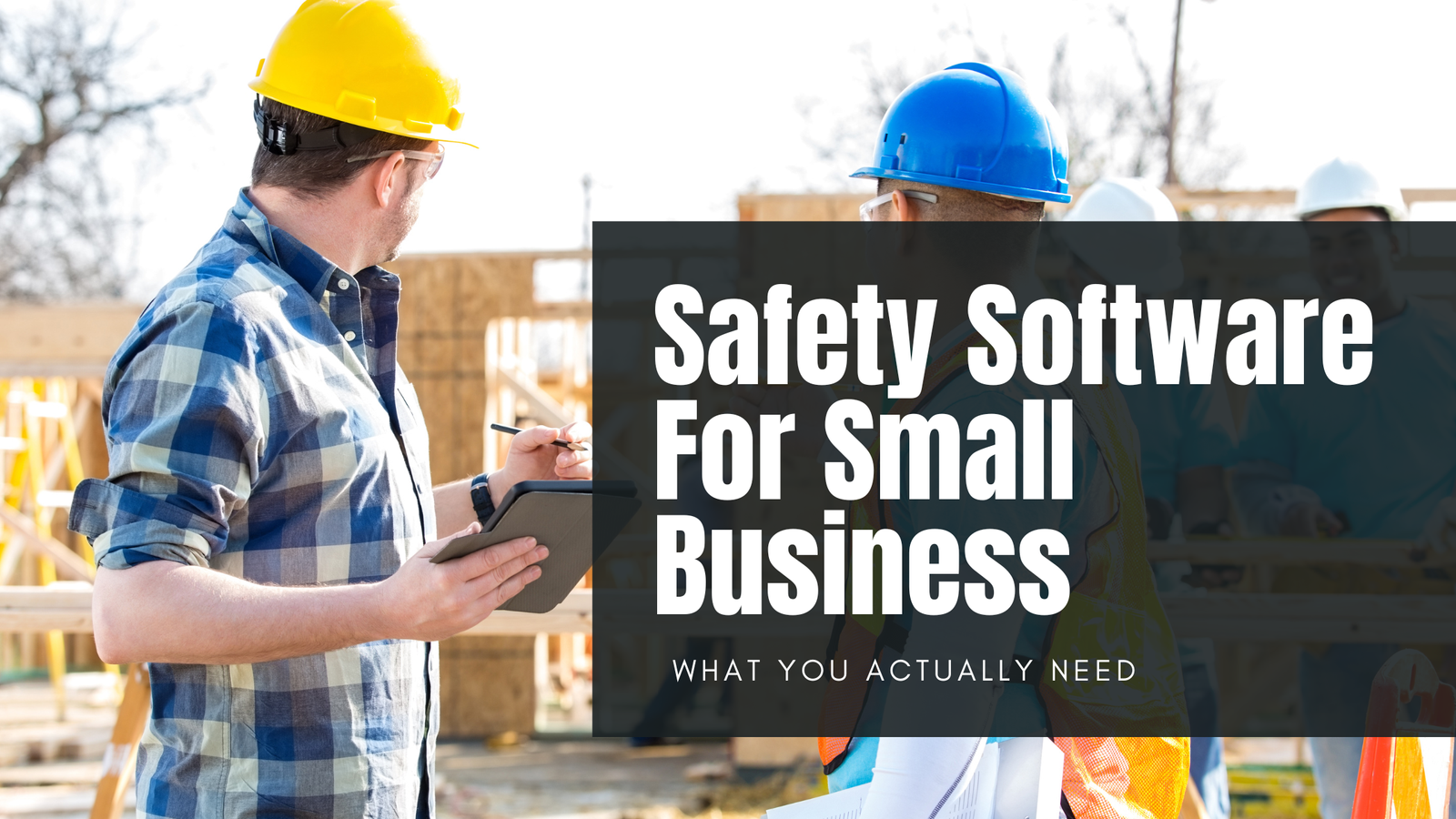
Small Business, Big Safety Responsibilities
Here’s something that catches many small business owners off guard: OSHA regulations apply to you the same way they apply to Fortune 500 companies. Having fewer employees doesn’t mean you have fewer hazards to manage.
The difference is resources. Large organizations have dedicated safety teams, compliance departments, and enterprise software budgets. You have yourself, maybe one other person, and a dozen other priorities competing for your time.
Safety management software for small business exists to close that gap. The right solution helps you:
- Track incidents without drowning in paperwork
- Stay ahead of OSHA requirements
- Build a real safety program that protects your workers
The question is whether you need it, and what to look for if you do.
Signs Your Business Has Outgrown Spreadsheets
There’s a moment when every small business owner realizes their current system has hit a wall. Usually it happens at the worst possible time.
| Warning Sign | What It Really Means |
|---|---|
| Incidents documented in three different places | Nobody knows the full picture |
| Inspections tracked on paper (somewhere) | Good luck finding them during an audit |
| Near misses go unreported | Your early warning system is broken |
| Training records live in someone’s head | That person better never quit |
| One team member handles all safety | Single point of failure |
If any of these sound familiar, you’re not alone. Most businesses start with spreadsheets and sticky notes because that’s what makes sense when you have five employees. But those systems don’t scale.
When you’re spending more time hunting for records than actually improving safety, the spreadsheet has officially become the problem. Your workers deserve better. So does your sanity.
Key Features for Small Business Safety Software
You don’t need enterprise software with 400 features and a six-month implementation. You need tools that solve actual problems without requiring an IT team to set up.
Must-Have Features
- Incident tracking and reporting
- Inspection checklists you can perform from your phone
- Training record management
- Basic hazard identification
- OSHA log generation
Nice-to-Have Features
- Near miss reporting
- Corrective action tracking
- Document storage for safety plans
- Multi-location support as you grow
Small Business Priorities
| Priority | Why It Matters |
|---|---|
| Low cost or free tier | Test before you commit |
| Easy setup | No IT department required |
| Mobile access | Workers in the field can actually use it |
| Simple interface | Every user adopts it, not just the tech-savvy ones |
The goal is a platform that helps you create and maintain a real safety program without becoming a second full-time job. Look for solutions that let you start small and add features as your business grows.
If a vendor wants to sell you everything at once, that’s a red flag. You need tools that match your current reality, not their sales quota.
Industry Considerations
A restaurant and a construction site have very different ways of hurting people. Your safety management software should reflect that.
| Industry | Primary Hazards |
|---|---|
| Hospitality / Restaurants | Burns, slips, cuts, food safety |
| Construction | Falls, heavy equipment, OSHA documentation |
| Manufacturing | Machine guarding, lockout/tagout, repetitive motion |
| Retail / Warehouse | Material handling, ergonomics, forklift incidents |
| Public-facing services | Visitor safety, emergency procedures |
The point is that a one-size-fits-all solution rarely fits anyone well. Look for software flexible enough to handle the specific regulations and hazards your business actually faces.
A hospitality company doesn’t need confined space permits. A manufacturer probably doesn’t need slip-and-fall checklists for wet kitchen floors. The right platform lets you configure what matters to your industry without paying for features that don’t.
Cost and Getting Started
Let’s talk cost. A single OSHA fine can run $15,000 or more. A workers’ comp claim can be worse. Suddenly that monthly software subscription looks like a bargain.
Many platforms offer free tiers for basic safety management, which means you can test before you commit any resources. Modular pricing lets you pay only for what you actually use.
Getting Started Without Overwhelm
- Identify your biggest gap (usually incident tracking or training records)
- Start with one module, not everything at once
- Get your team on board before rolling out
- Track adoption and expand as needed
Don’t try to fix everything on day one. Pick the problem that keeps you up at night, solve that first, then build from there.
The goal is to learn as you go and build trust with your team. Small wins lead to bigger ones.
Making Safety Manageable
Small businesses can’t afford to ignore safety, but they also can’t afford to throw money at problems. The good news is you don’t have to.
The right safety management software for small business turns chaos into something you can actually manage. Your employees get home safe. Your business stays compliant. You sleep better at night.
Start small. Pick one problem. Solve it. Then tackle the next one.
A real safety program doesn’t require enterprise budgets. It requires showing up consistently and having the right tools to back you up.
Ready to Get Started?
Tired of spreadsheets and sticky notes? EHSpro gives small businesses real safety management without the enterprise price tag.
Every module includes a free tier. Start with incident tracking or training management, then add what you need as you grow. Setup takes minutes, not months.
Start your free account today and see what organized safety actually feels like.
Frequently Asked Questions
Do small businesses need safety management software?
It depends on your current pain level. If you’re tracking incidents consistently, training records are organized, and OSHA documentation is audit-ready, you might be fine with what you have. But if you’re spending time hunting for records or worrying about compliance gaps, software pays for itself quickly in reduced stress and risk.
How much does safety management software cost for small business?
Costs vary widely. Many platforms offer free tiers for basic safety management, with paid plans ranging from $5 to $100+ per user per month depending on features. Modular pricing lets you start small and add capabilities as your business grows. Compare the monthly cost against a single OSHA fine ($15,000+) for perspective.
What OSHA requirements apply to small businesses?
Most OSHA regulations apply regardless of company size. Businesses with 10 or fewer employees in certain low-hazard industries are exempt from some recordkeeping requirements, but you still need to maintain a safe workplace and report serious incidents. When in doubt, assume the rules apply to you.
What features should small businesses look for in safety software?
Start with the basics: incident reporting, inspection checklists, training record tracking, and OSHA log generation. Mobile access matters if your workers are in the field. Look for solutions that are easy to set up without an IT team and offer free tiers so you can test before committing resources.
Can I start with free safety management software?
Yes. Many platforms including EHSpro offer free tiers that cover basic safety program needs. Free versions typically limit the number of users, incidents, or features available, but they’re a solid way to learn the software and build trust with your team before investing further.
How do I get employees to use safety software?
Start with one simple feature, like incident reporting, and make it easier than the old way. Phone-friendly access helps workers report from anywhere. Communicate why it matters, celebrate early wins, and respond visibly when people submit reports. If employees see that management actually uses the data, adoption follows.